

Apple Watch daylight-saving bug affects Always On display
Technology · First reported 1 Nov, 11:34 · Updated 12:19
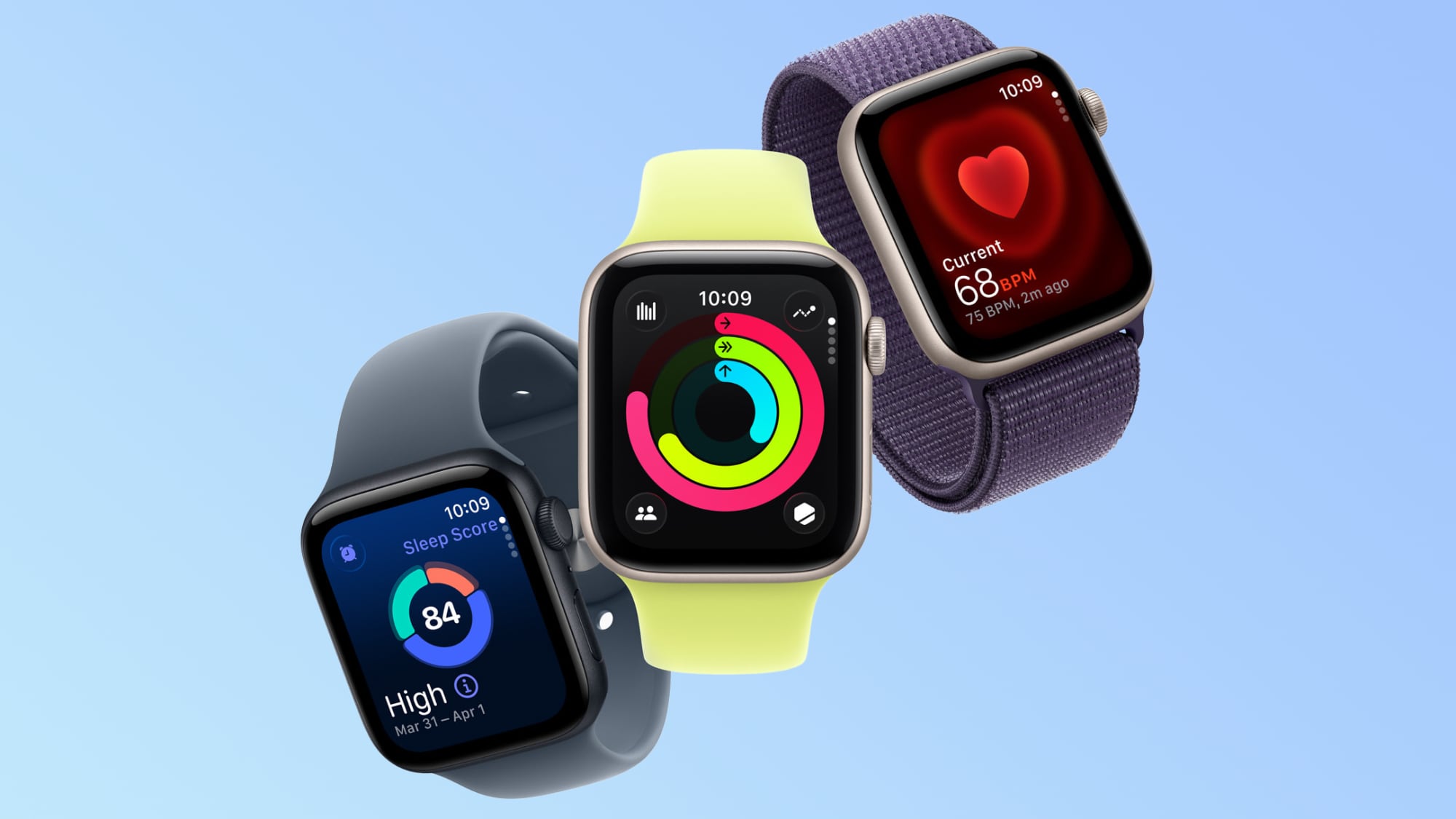
Some Apple Watch users are seeing the wrong time on the Always On display after clocks change. Apple recommends switching watch faces or restarting the watch; one report also says the issue may resolve on its own at midnight.
- The incorrect time appears on the Always On display while the wearer’s wrist is down; activating the display shows the correct time.
- Apple recommends switching to another watch face and back, or restarting the watch.
- The reports say the problem appeared in Europe before the U.S. clock change; one account says it may clear automatically at midnight.
Summary written by Lux AI from 2 articles
Key facts
- Affected display
- Always On display while the wearer’s wrist is down
- Reported correction
- The time appears correct when the display is activated
- Apple’s suggested fixes
- Switch to another watch face and back, or restart the watch
- Other reported option
- The issue may resolve automatically at midnight
- Reported sequence
- The issue appeared in Europe before the U.S. clock change
Source spectrum
Far left
Left
Lean left
Centre


Lean right
Right
Far right
Left 0 · Centre 2 · Right 0 of 2 rated sources
Images from the coverage

All coverage
Coverage over time
LeftCentreRight
Articles per hour since first reported, by side.
Ownership
- Corporation 100% (2)
Share of the 2 sources by owner type.