

Windows 11 Insider builds add a way to silence Sticky Keys prompts
Technology · First reported 9 Nov, 12:00 · Updated 12:13
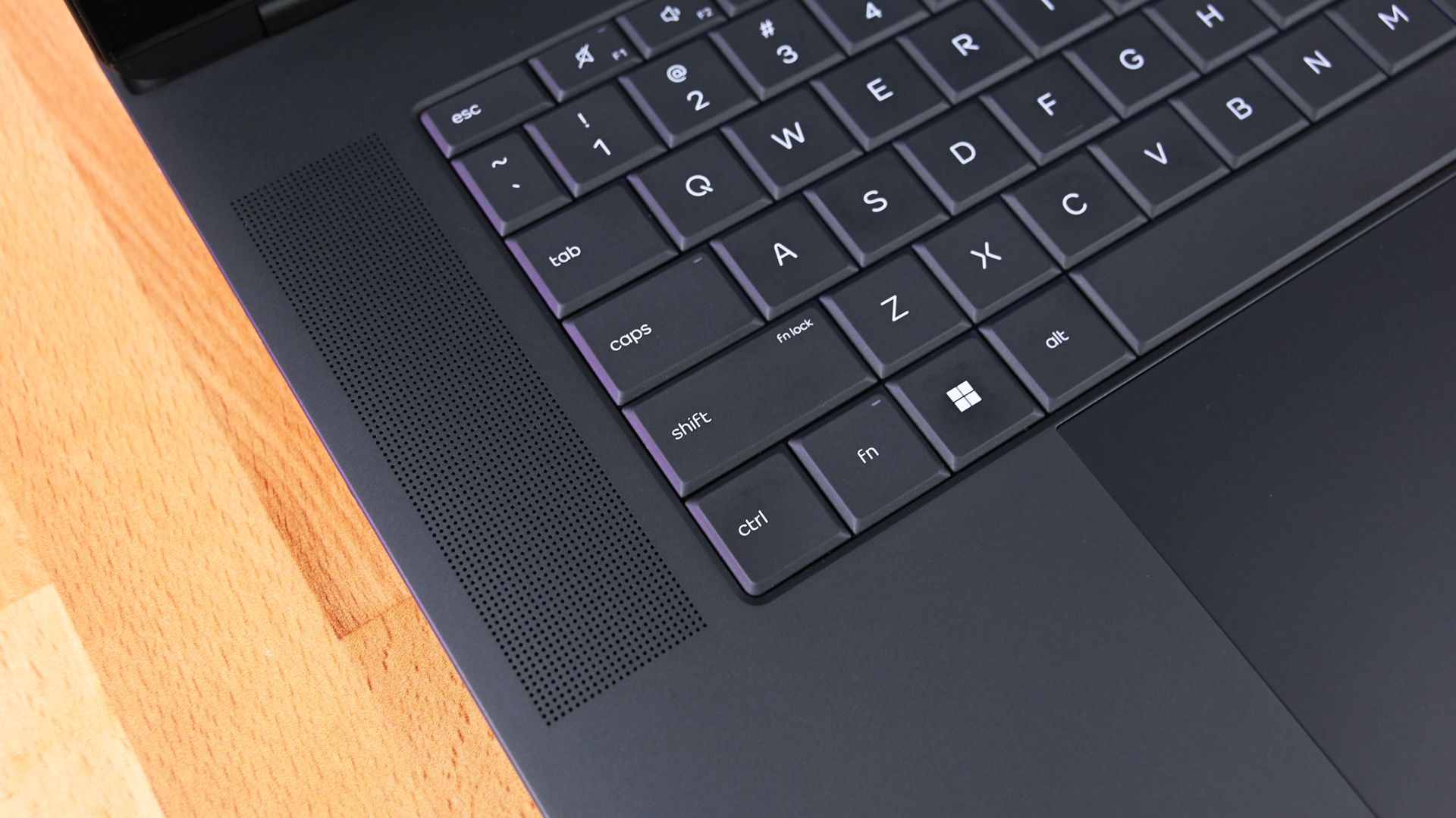
Microsoft is testing a “never ask again” checkbox for Sticky Keys and Filter Keys prompts in Windows 11 Insider builds. The option can stop the prompts appearing without removing the accessibility features; Microsoft has not said when it may reach regular Windows 11 PCs.
- The updated prompts include a checkbox to prevent them from appearing again, while retaining a link to Sticky Keys settings.
- The Sticky Keys prompt can appear after Shift is pressed five times; Filter Keys has a shortcut prompt too.
- The change is in Insider builds; TechPowerUp identifies Beta build 26320.9876 and Experimental build 26340.9882, released November 6.
- Sticky Keys remains available through Settings, and the existing settings retain related controls.
- Microsoft has not announced when the changed prompts will reach regular Windows 11 releases.
Summary written by Lux AI from 3 articles
Key facts
- Sticky Keys trigger
- Pressing Shift five times can open the prompt.
- Insider builds cited
- Beta 26320.9876 and Experimental 26340.9882.
- Release timing
- Microsoft has not said when the change will reach regular Windows 11 PCs.
Source spectrum

Left 0 · Centre 2 · Right 0 of 2 rated sources · +2 unrated
Images from the coverage
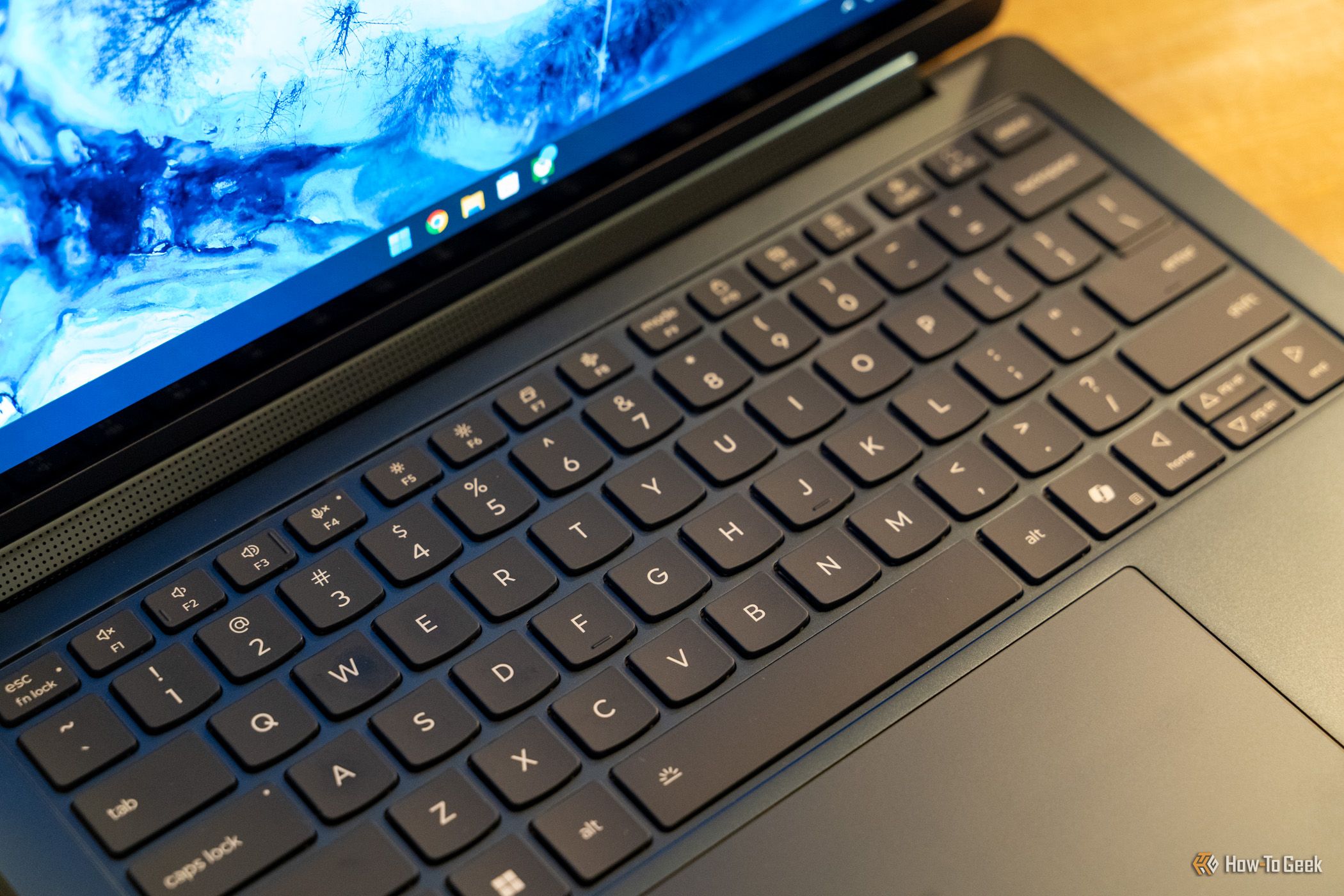

Background
All coverage
Coverage over time
LeftCentreRight
Articles per hour since first reported, by side.
Ownership
- Unknown 100% (4)
Share of the 4 sources by owner type.